
Deposits and booking policies
Put your booking policies into the appointment flow.
Configured deposits and clear appointment policies help patients understand the commitment before they complete a booking.
See it in a demo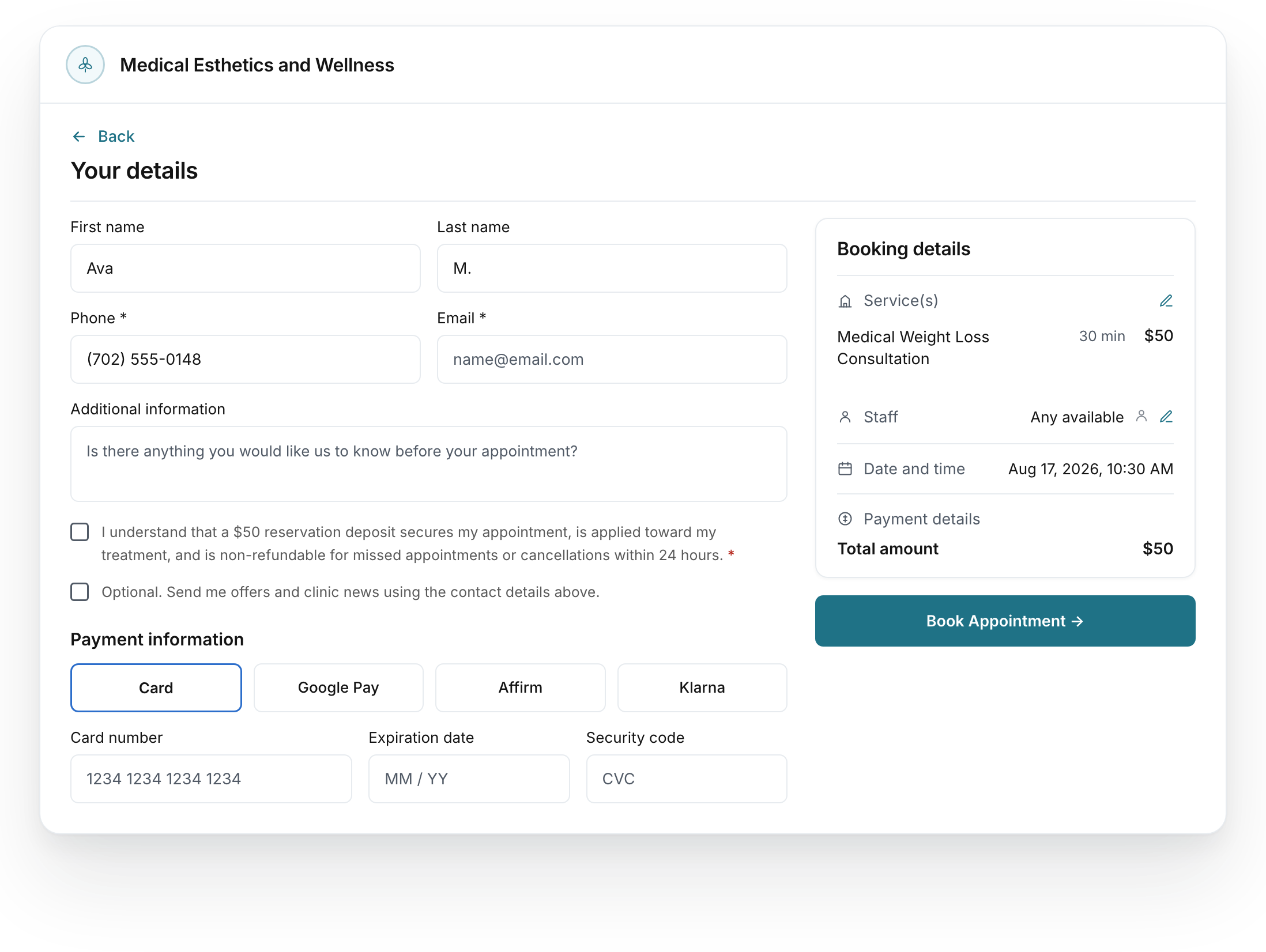
Put the policy beside the appointment.
The booking review is where the appointment and its configured commitment come together.
Review the appointment
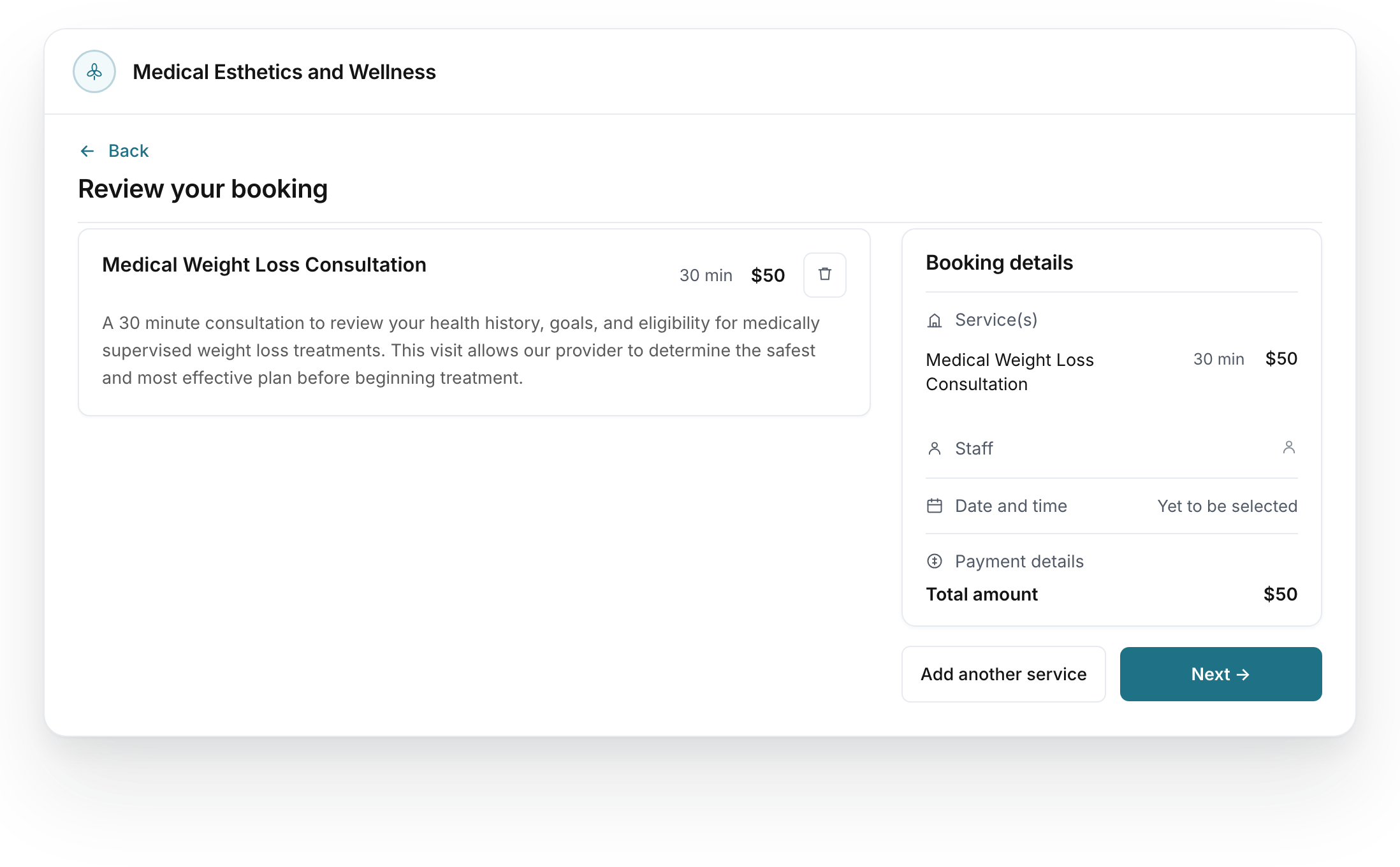
- Which appointments?
- Identify the services that require a deposit.
- What amount?
- Use the amount your clinic approves for that appointment.
- What happens if plans change?
- Keep the clinic’s change and cancellation terms clear before booking.
Put your appointment policies into the setup.
Set the deposit required for the agreed appointment types.
Explain the clinic’s booking, change and cancellation policies.
Review the appointment and deposit details before launch.
Your policies guide the configuration.
You approve deposit amounts, cancellation terms and how deposits apply to the visit. We review the payment connection and configure the booking step. Any cancellation charge or refund process is agreed separately.