
CRM and conversations
Keep the conversation in one team inbox.
Review email, SMS and connected Facebook and Instagram messages beside the contact your team is helping.
See it in a demo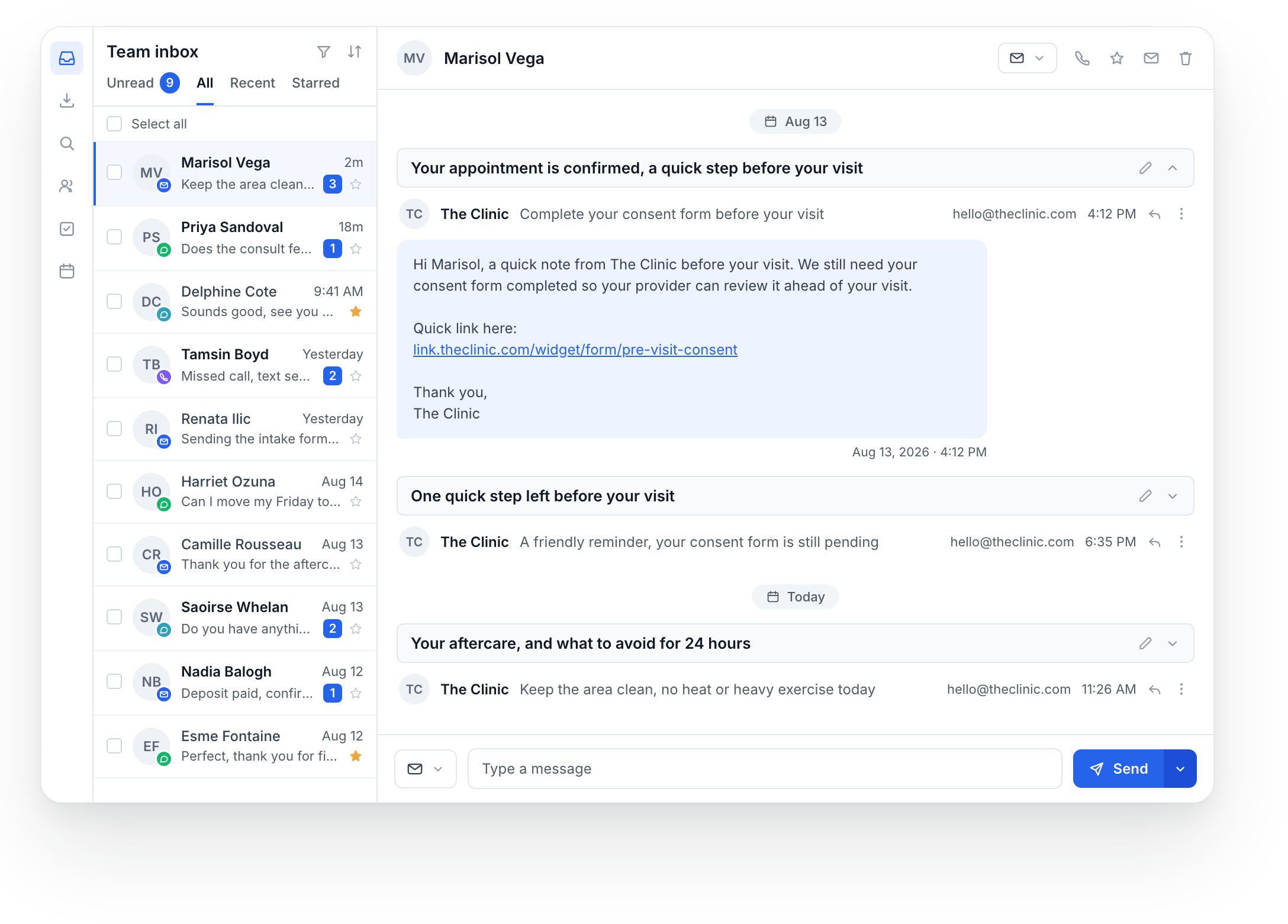
Context for the next reply.
Avery Sample
Consultation inquiry
- Where the inquiry began
- Incoming text
- Latest question
- Evening consultation availability
- Assigned to
- Front desk
The team member responsible for the next reply.
Help Avery choose a time.
Review the appointment options before replying.
Labels help the team organize contacts and follow-up work.
Hi! I’d like to book a consultation. Are there evening appointments?
Hi Avery! We can help you plan a consultation. Our team can check evening availability, or you can view current times on our booking page.
Clinic booking linkCheck the contact context, then preview a reply.
This preview sends nothing.
Each channel shows a separate fictional example. Available channels depend on the connected accounts and messaging permissions.
SMS example selected. Reply preview is hidden.See the thread before you reply.
Work from email, SMS and connected Facebook and Instagram threads.
Find unread conversations and review the contact’s context.
Reply through the available channel or plan the clinic’s call.
Connect the channels your patients use.
We configure your email and SMS setup, plus authorized Facebook and Instagram accounts. Available channels depend on the connection and permissions; messaging usage is separate.