
Consents
Keep approved forms and consent review in the clinical workflow.
Review the clinic’s consent information alongside treatment documentation, with automated form delivery supporting the pre-visit process.
See it in a demo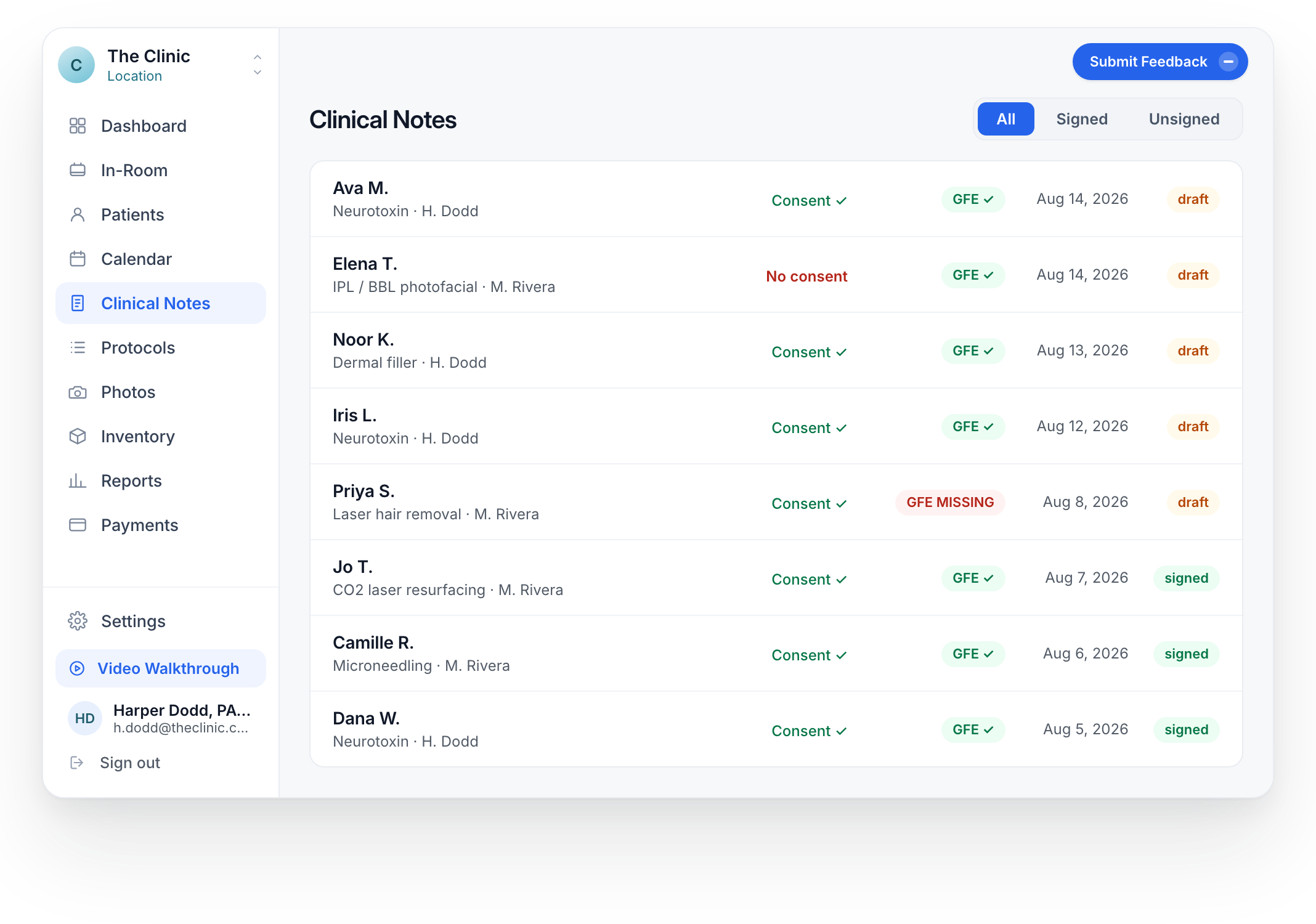
The status is visible. The review remains clinical.
This detail shows an unsigned consent state and the control for sending the approved form link.
The displayed consent status
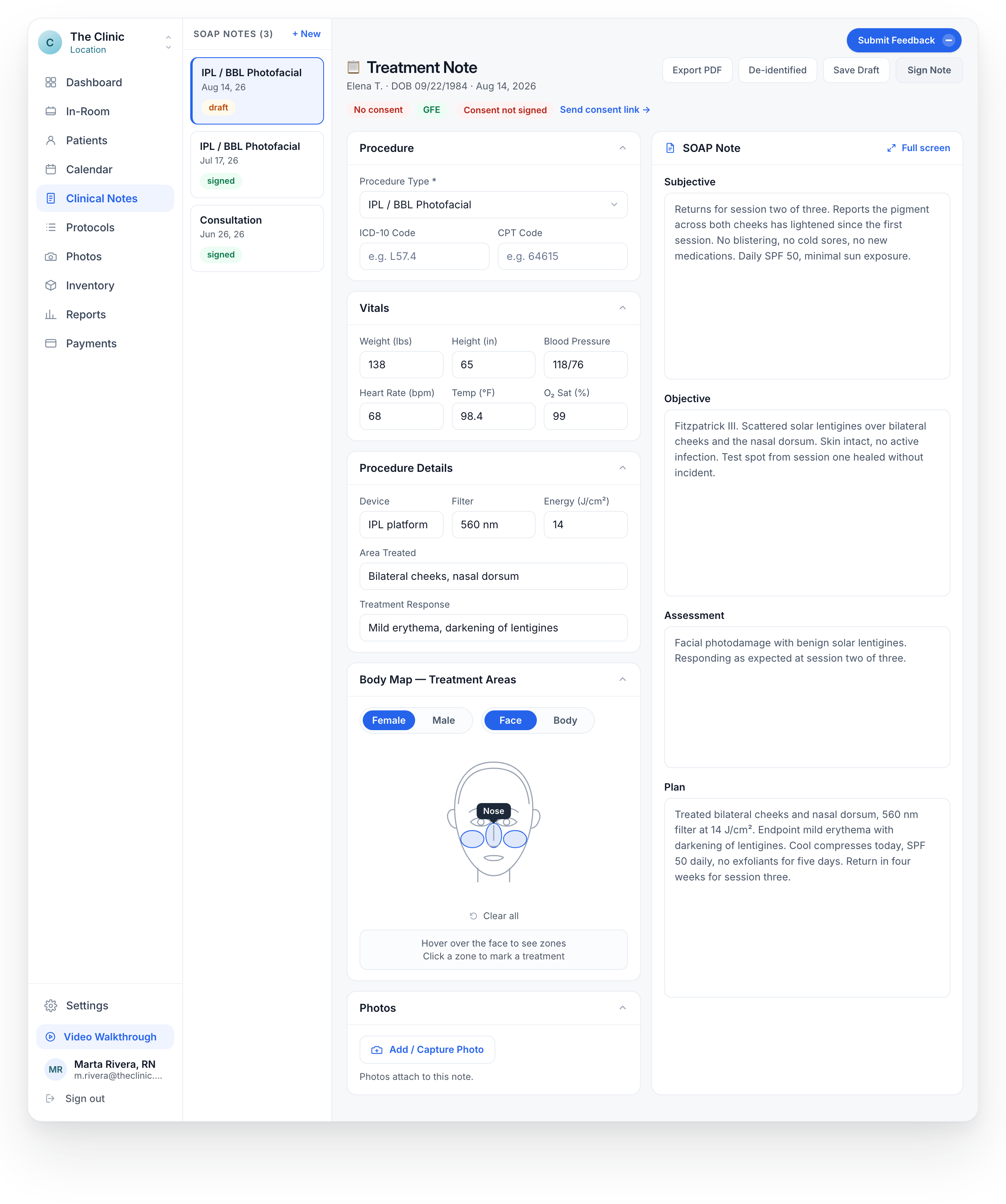
- Send the approved form
- Use the clinic’s consent document for the treatment.
- Review the record
- A delivery action or displayed status is not a substitute for reviewing consent.
- Decide before care
- The clinical team remains responsible for consent and treatment decisions.
The form and the care decision both need attention.
Use consent forms approved by your clinic.
Send the relevant form from the clinical workflow.
Review the displayed status and clinical record before care.
Your forms, with a defined review process.
Your clinical team supplies or approves the forms. We review the form setup and the team’s consent workflow with you.