
Photos and before/after
Bring treatment photos into the clinical record.
Capture treatment photos, organize before and after images and compare selected views in the clinical workspace.
See it in a demo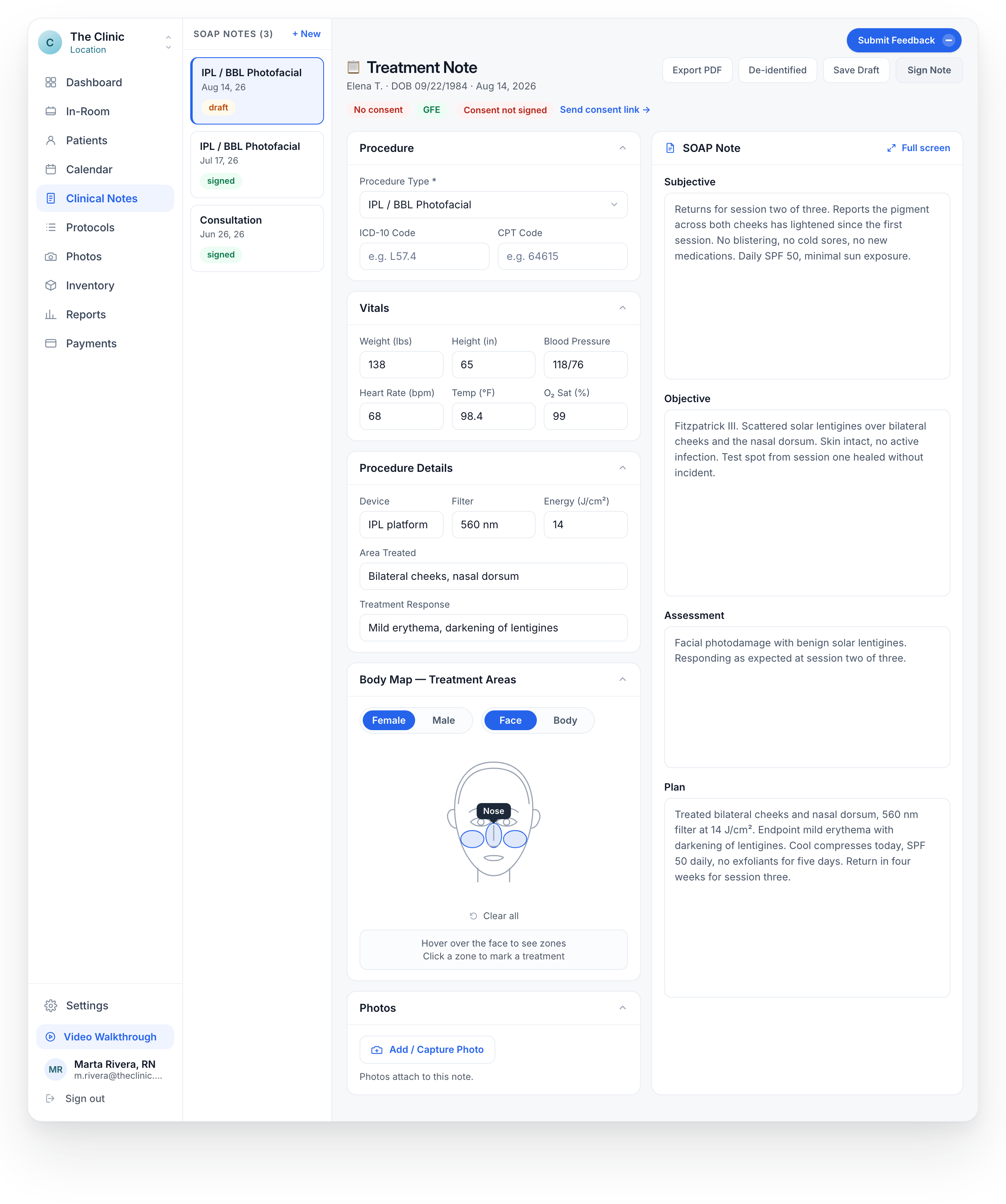
PHOTOS IN THE VISIT
Start with the patient.
Keep the photo with the treatment.
01
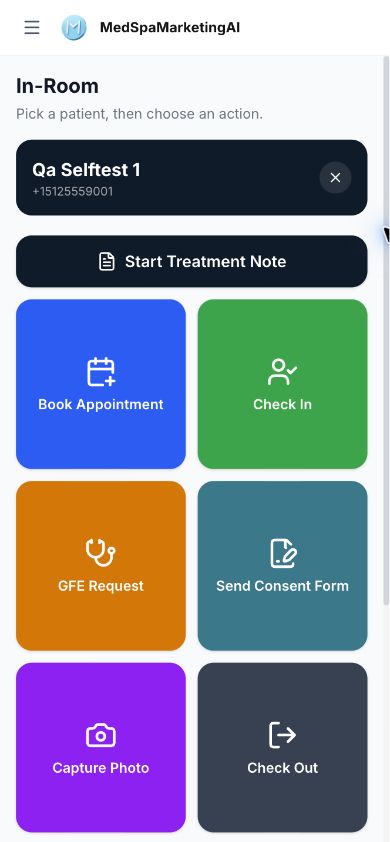
Capture on the phone
Start from the correct patient and use the clinic’s photo-capture process.
02
Review the image
Check the image and treatment context before adding it to the record.
03
Attach to the note
Keep the selected image with the relevant treatment documentation.
EMRMedSpa capture control, with an illustrated photo-to-note workflow.
Keep the image connected to the treatment.
Add or capture a photo from the treatment note controls.
Organize before, after and clinical-finding images with patient and type filters.
Select the relevant images for comparison during clinical review.
Agree how your clinic handles photography.
We discuss the photo workflow and configuration. Your clinical team approves image capture, patient authorization and the use of treatment photos.