
Dashboard and reporting
See how the appointment book is taking shape.
Review appointment activity by date, status and calendar, then use that context to decide where the team should look next.
See it in a demo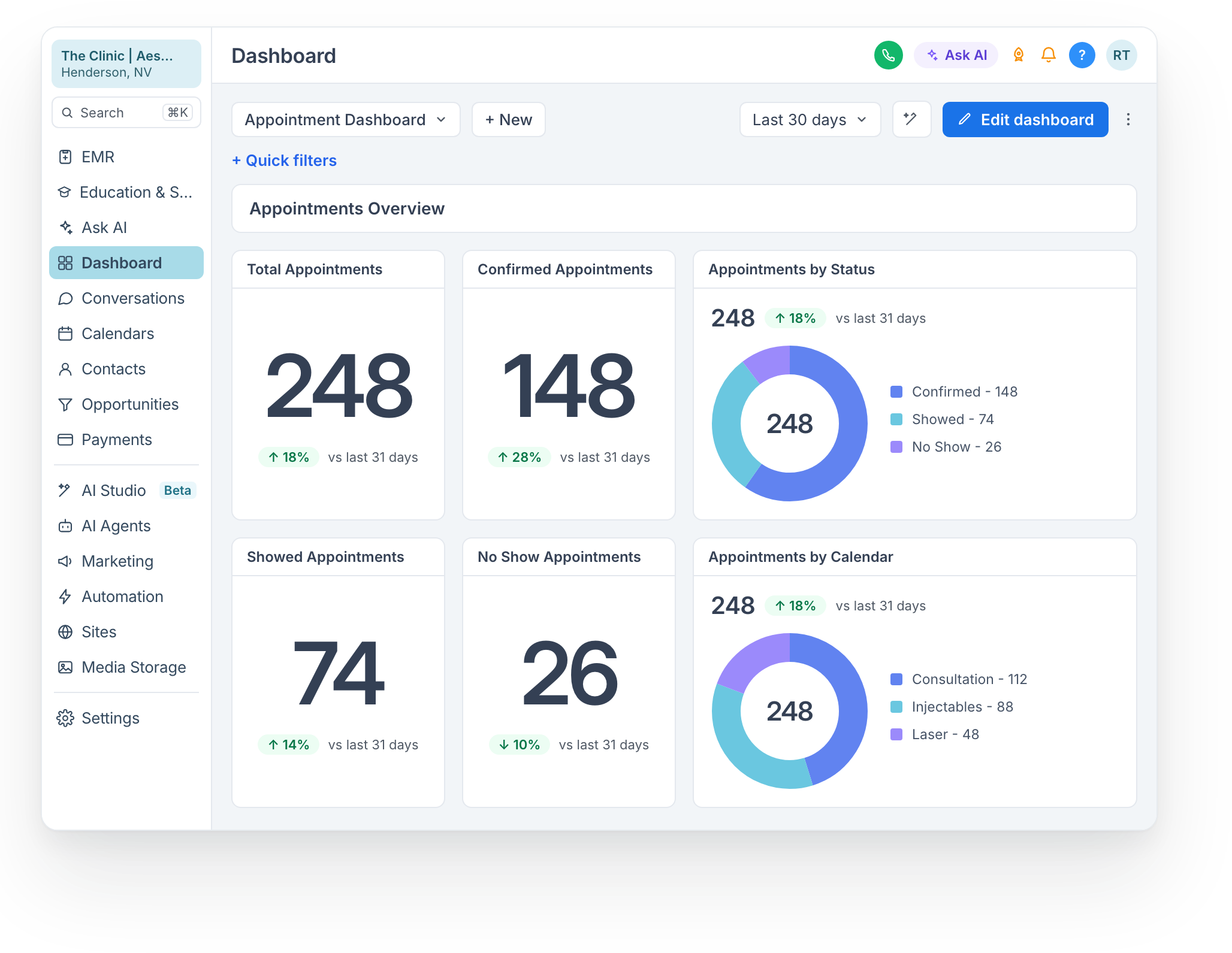
Read the calendar mix, not only the total.
A focused breakdown adds context to the appointment activity for the selected period.
Appointments by calendar
- Period
- Start with the date range being reviewed.
- Calendar
- See how the displayed appointments are distributed across calendars.
- Follow-up
- Use that context to decide where the team should look next.
Start with a period and a practical question.
Select the reporting period.
Review confirmation, attendance and no-show counts.
Compare appointment activity by calendar.
Know what the view is counting.
We walk through the configured dashboard and calendar structure with your team so the displayed appointment activity has a clear context.