
The goal of this checklist is a concrete scope and a reviewable transition. It is not a promise that every system, file type or record can be imported.
1. Inventory the systems you use today
- Your website, domain and the people who can grant the required access.
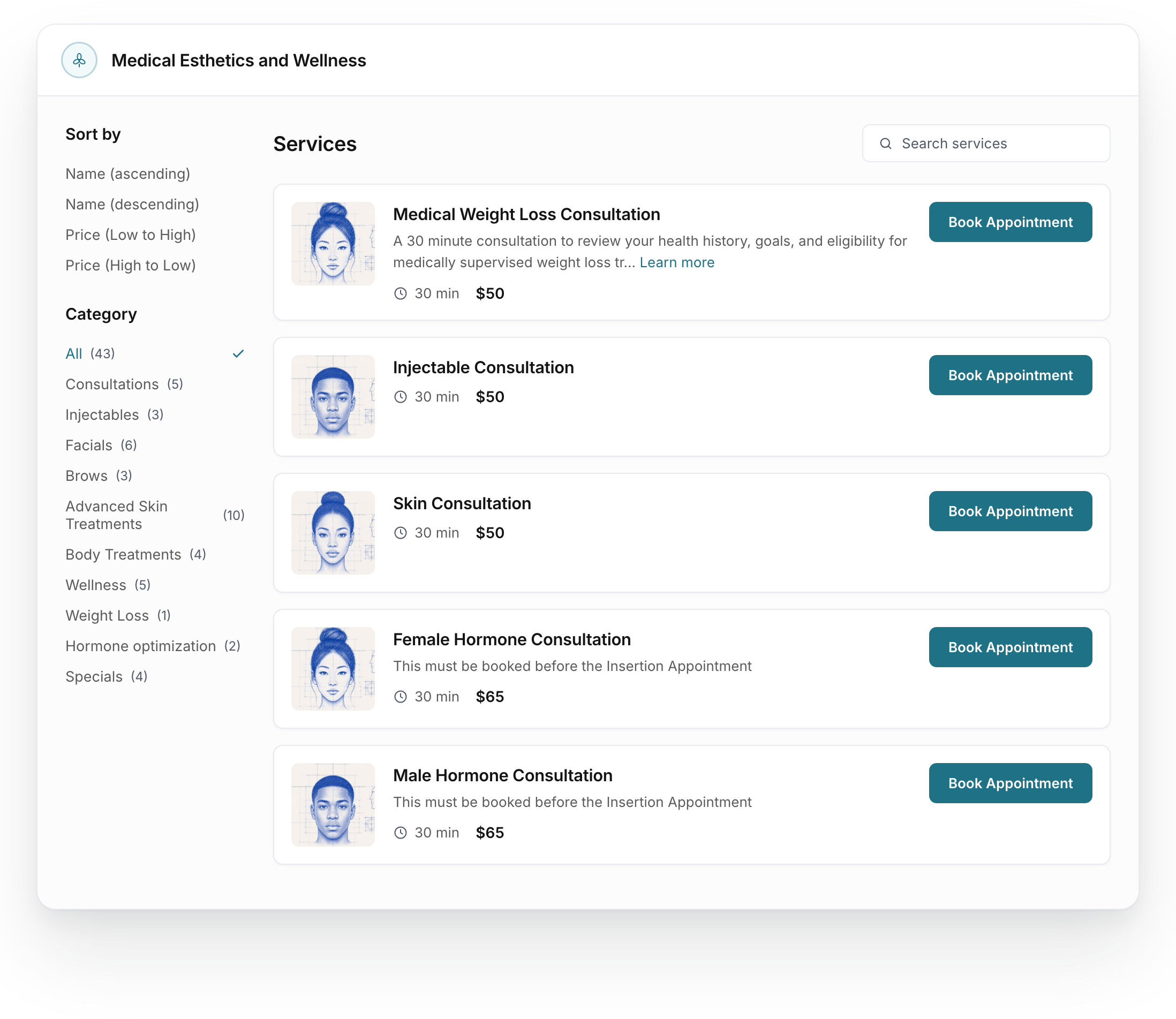
- Booking tools, service menus, staff calendars and current public booking links.
- CRM, inboxes, forms and the messages already associated with appointments.
- Clinical software and the records or documents you want to discuss transferring.
- Payment tools, packages or subscriptions that must be considered in the plan.
- Advertising accounts and the destinations currently used by your campaigns.
For each system, write down the owner, the task it performs and whether you intend to keep it. The answer may be to connect an existing tool, replace one part of the workflow or scope a broader change.
2. Agree exactly what the transfer includes
Separate contact details, appointment information, communication history and clinical records when discussing the move. Ask which information the current provider can export and which information the destination can accept. Agree the format, responsibility, secure transfer method and any costs before beginning.
Your applicable written agreement determines the access, export and return arrangements. Discuss the relevant BAA and safeguards before bringing patient information into the setup. Use the agreed secure process for records; a software demo only needs your system list and business requirements.
3. Map the experience people already rely on
Follow the links a patient or staff member actually uses. A service page, an advertisement, a reminder and a saved email may point to different booking destinations. Record the relevant links and the intended destination after the change.
Agree how existing appointments and active follow-up will be handled. Identify the event that should start each message, the person responsible for replies and how a cancellation or reschedule should be handled. Preserve the information needed to reconcile the transition.
4. Review a configured example before launch
- Check the service name, price, duration and intended provider or calendar.
- Open the actual booking destination from the relevant website or campaign link.
- Review the approved messages, form delivery and follow-up content.
- Have the appropriate clinical staff review the clinical setup and access needs.
- Compare the agreed transferred information with the source and record unresolved differences.
- Confirm who can approve the launch and who will handle an issue after the change.
A saved configuration is one checkpoint. The next is checking the experience people will use. The scope should identify which checks are needed and what evidence confirms them; a preview alone does not prove a payment, delivered message or completed transfer.
5. Set the handover and timing
Confirm the schedule after required access, materials and approvals have been reviewed. Account recovery, outside providers and clinical decisions can affect the sequence. Name the people responsible for the final review and ongoing support, and record any work that remains separate.
Bring this inventory to the demo. We can review the systems you want to keep, discuss the change you need and define the work before you commit.