
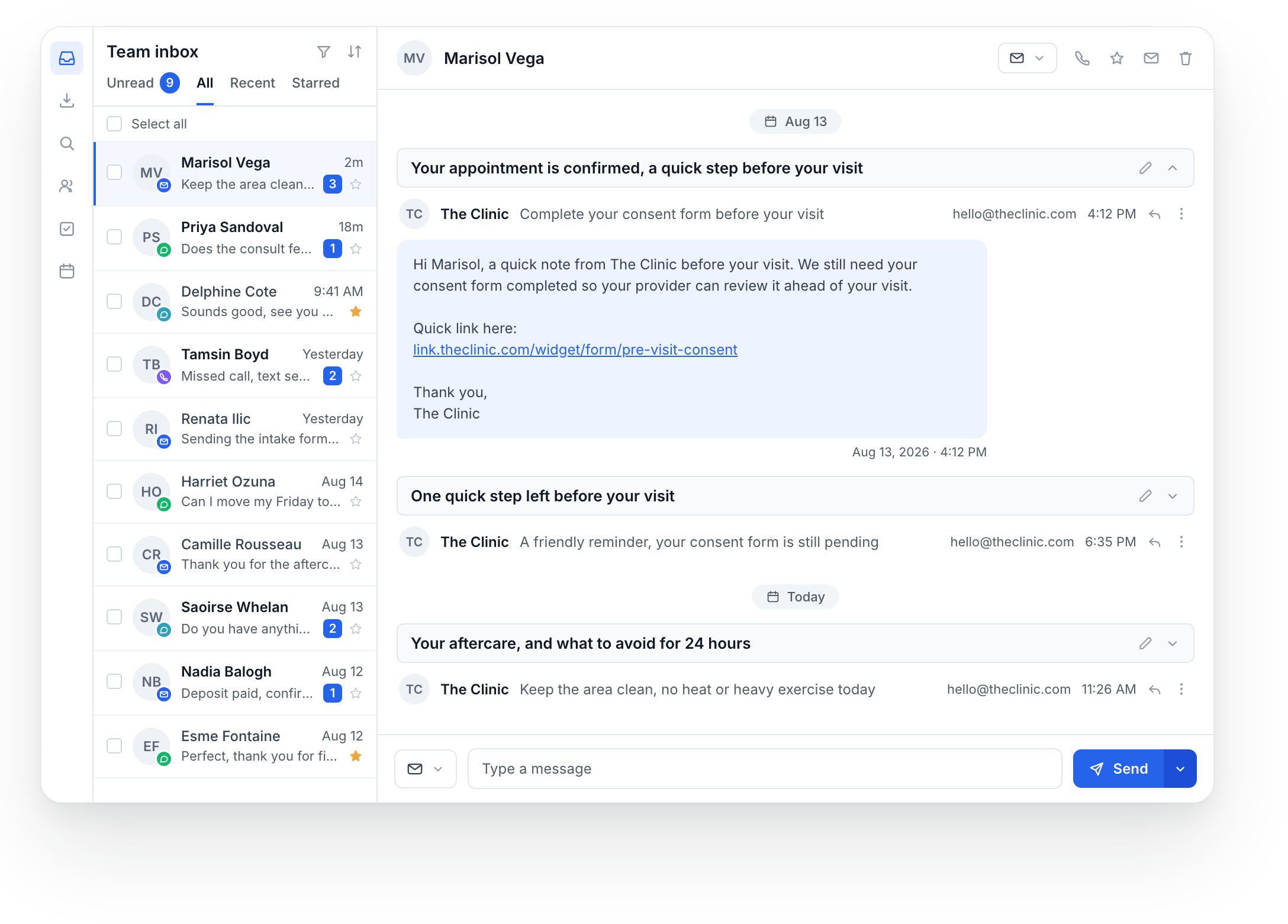
At Med Spa Marketing AI, the Marketing System supports the website, booking, communication and follow-up. EMRMedSpa supports the clinical workspace. The Launch program includes both, configured around the practice. Looking at them together is useful; understanding their different jobs is just as important.
The CRM: organize the conversation and next step
The marketing workspace helps the team understand an inquiry and keep the next action visible. That can include a contact record, a message thread, a pipeline stage, a booking link and the follow-up associated with an appointment or approved campaign.
- Website and booking: give visitors a clear route from a service page to an appointment.
- Contacts and conversations: keep the inquiry and the communication history available to the team.
- Reminders and follow-up: configure the approved messages and the events that should trigger them.
- Retention: organize approved review requests, rebooking and win-back activity around the clinic’s services.
The EMR: support the clinical team’s work
EMRMedSpa provides the workspace for treatment documentation, consent review, photos and inventory. Clinical decisions stay with the responsible clinicians. A marketing message, paid deposit or completed booking does not by itself establish readiness for treatment.
Ask to see the specific work your team needs to perform: opening the relevant record, reviewing the available consent information, documenting the visit and finding the information afterward. A list of features is less useful than a walkthrough of your actual responsibilities.
Review the handoffs between them
Start with one example journey: a person asks about a service, books a visit, receives the approved pre-visit information, attends the appointment and receives the appropriate follow-up. For each step, identify the system, the staff member responsible and the evidence that the step occurred.
- Which information appears in each system, and when is it updated?
- Which booking, form or appointment event starts a message?
- Where does the team check whether a message was delivered or a form returned?
- What happens if a person reschedules, cancels or needs help?
- Who reviews the clinical information before care and approves the follow-up content?
Connected tools still need clear configuration and verification. Ask for the current supported connection and any limits that matter to your clinic, rather than assuming every field updates instantly in both directions.
Choose the setup around the practice
A new clinic may need the website, booking, communication and clinical setup together. An established practice may already have systems it wants to keep. List those systems before the demo so the discussion can cover what stays, what changes and which connections or transfers need to be scoped.
Bring your services, team roles and current software list. We can walk through the Marketing System and EMRMedSpa using examples, then identify the setup that belongs in your written scope.